This is an old revision of the document!
Table of Contents
Testnode Access
Summary
Generally, baremetal testnodes should already be installed with an OS and your ssh public key should be in your user's and the /home/ubuntu/.ssh/authorized_keys file. You should ssh as your username unless the testnode is a VPS.
Example
ssh -i ~/.ssh/id_rsa YOURUSER@testnode123.front.sepia.ceph.com
You should replace ~/.ssh/id_rsa with whatever private key corresponds with your private key listed here
To avoid interfering with other contributors' tests, you should refrain from logging into hosts that aren't locked by you via teuthology-lock.
If you run into any issues with a testnode that appear to be OS, network, or environment relatated (in other words: not ceph/test related), please file a ticket.
VPSes
VPS (Virtual Private Servers) are ephemeral KVM virtual machines that are spun up on demand using, for example:
teuthology-lock --lock-many 1 --machine-type vps --os-type ubuntu --os-version 14.04
More Information
Their hostnames are vpm{001..200}.front.sepia.ceph.com. A few mira are set aside as hypervisors. See vpshosts.
You must create an RSA SSH keypair (named id_rsa/id_rsa.pub) to ssh to VPSes from the teuthology host. We also recommend you have us add the public key to your pubkey file in the keys repo.
Note: You still need a keypair even when using SSH agent forwarding from your workstation.
The following ~/.ssh/config is required for you to lock VPSes from the teuthology host.
Host *
  StrictHostKeyChecking no

Host vpm*
  User ubuntu
Out-Of-Band Management
Further reading
IPMI
Baremetal testnodes are accessible via out-of-band (OOB) management controllers, or BMCs. If you're unable to reach a host via ssh on its front.sepia.ceph.com address, you can try accessing it using conserver and power cycle via ipmitool.
Example
ipmitool -I lanplus -U inktank -P XXXXX -H testnode123.ipmi.sepia.ceph.com chassis power status
Note the 'ipmi' vs 'front' in the FQDN
Java Console
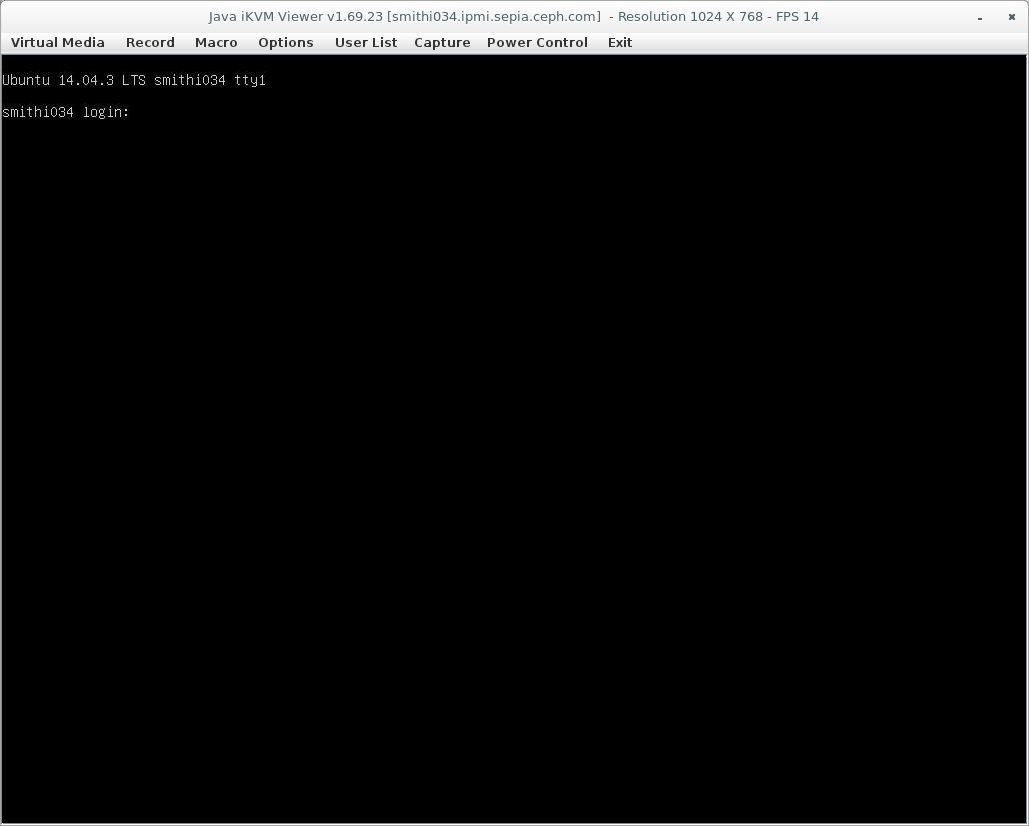
Some OOB controllers will also have a Java console you can access by opening the IPMI address in a browser. On most SuperMicro machines, this can be accessed at Remote Control > Console Redirection
Example